Nadare Launcher: Play Chaos Zero Nightmare, Arknights, Endfield and More on Linux
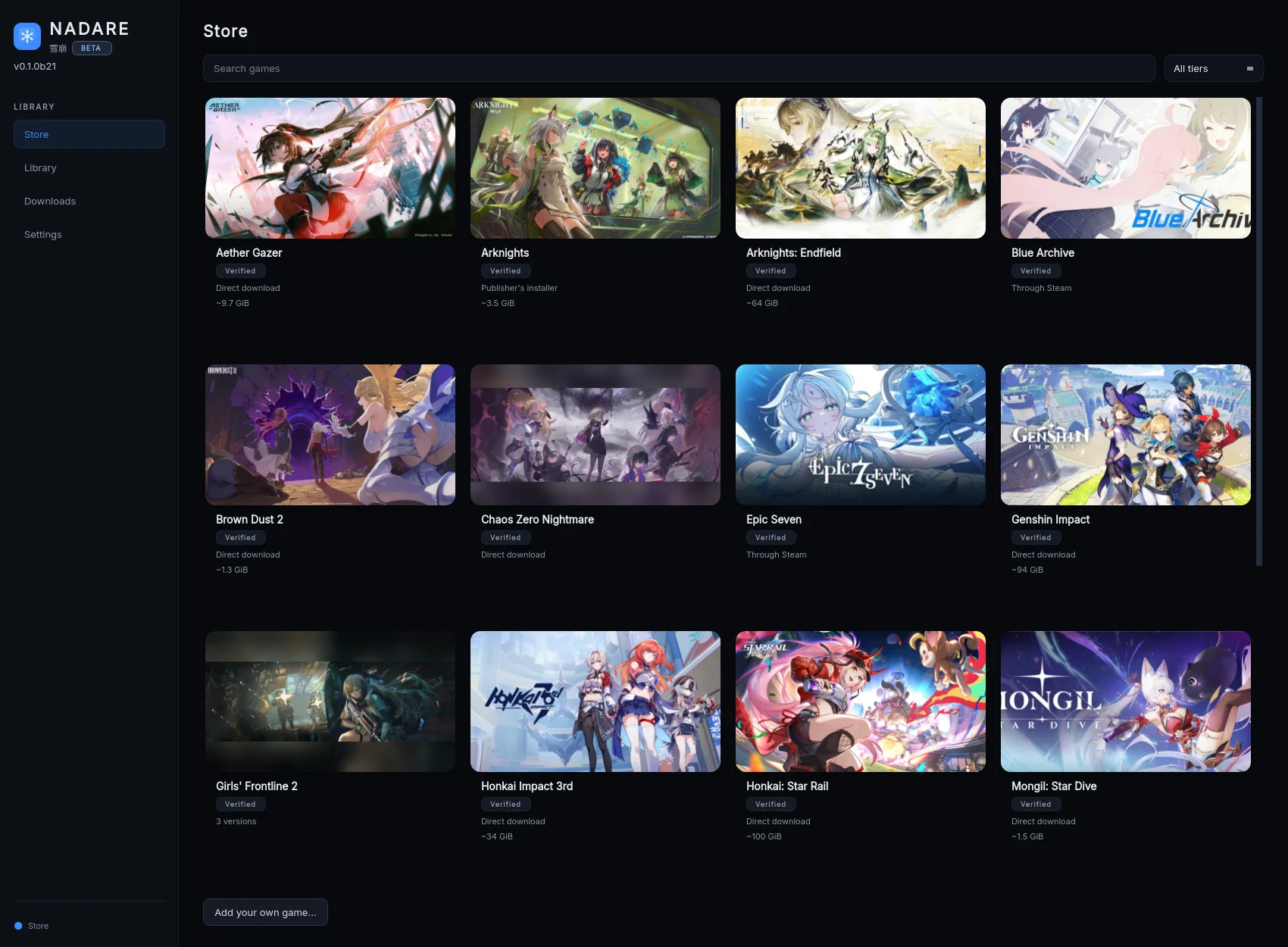
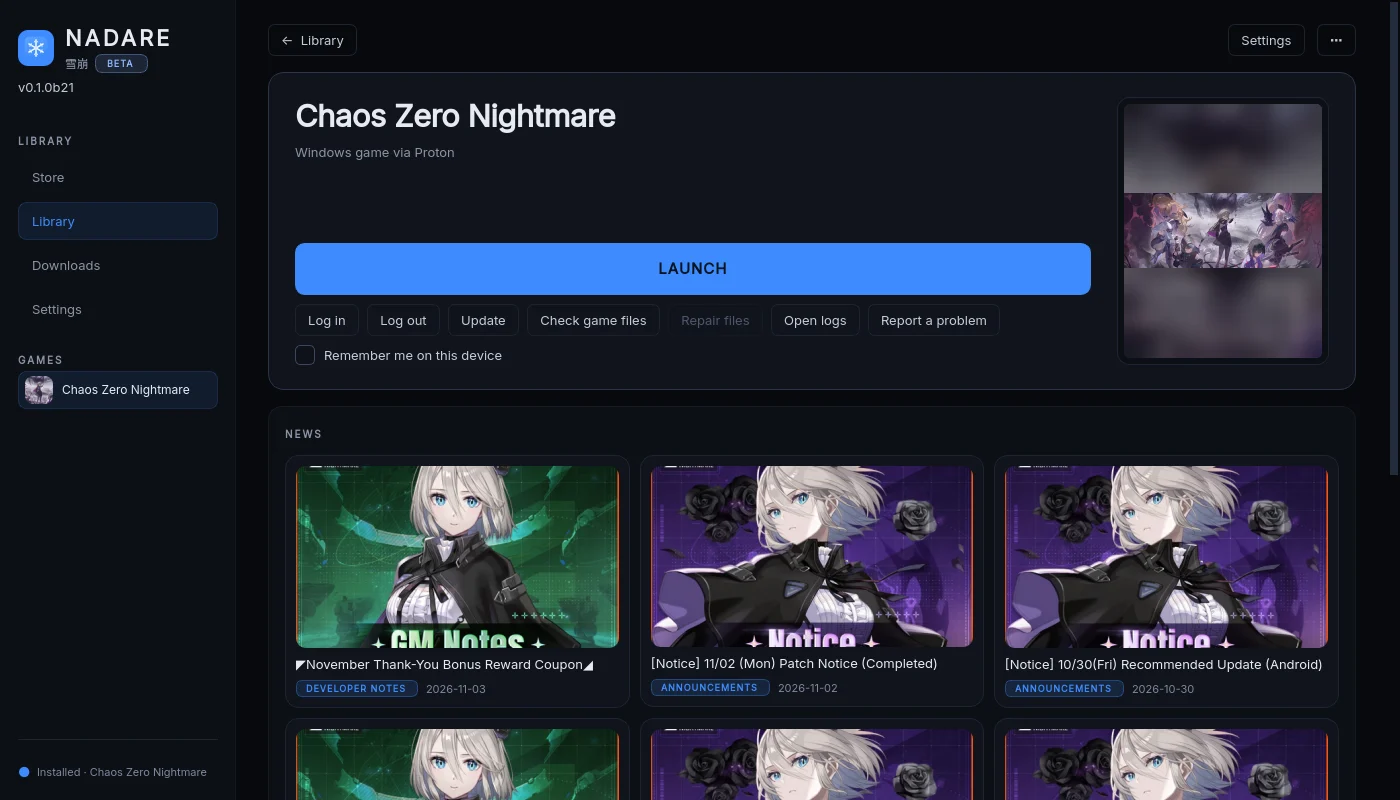
Nadare is an open-source launcher that installs and runs anime games on Linux. Open the Store, pick a game, press Install, then press Play. Nadare downloads the game from the publisher, sets up Wine/Proton for you and keeps it updated, with one profile per game. It is in beta.
Download Nadare (AppImage)Beta
One file, nothing to install. On the page that opens, download the file that ends in .AppImage.
Get started
Section titled “Get started”- Download the file that ends in
.AppImagefrom the button above (the latest release page). - Let it run. A downloaded file is not allowed to run yet, so double-clicking it right away does nothing at all. Pick one:
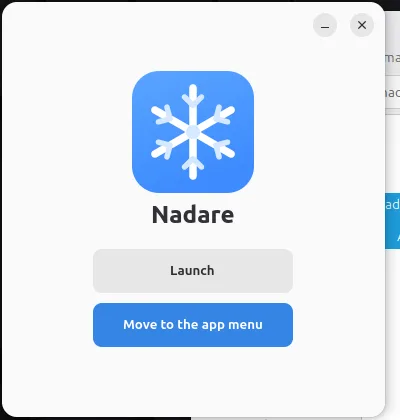
- Easiest, no terminal: install Gear Lever from your Software Manager (Flathub), then double-click the AppImage and press Move to the app menu. Nadare is then in your menu like any other app.
- No extra app: right-click the AppImage, Properties, Permissions, tick Allow executing file as program, then double-click it.
- Terminal:
chmod +x Nadare-*.AppImage && ./Nadare-*.AppImage
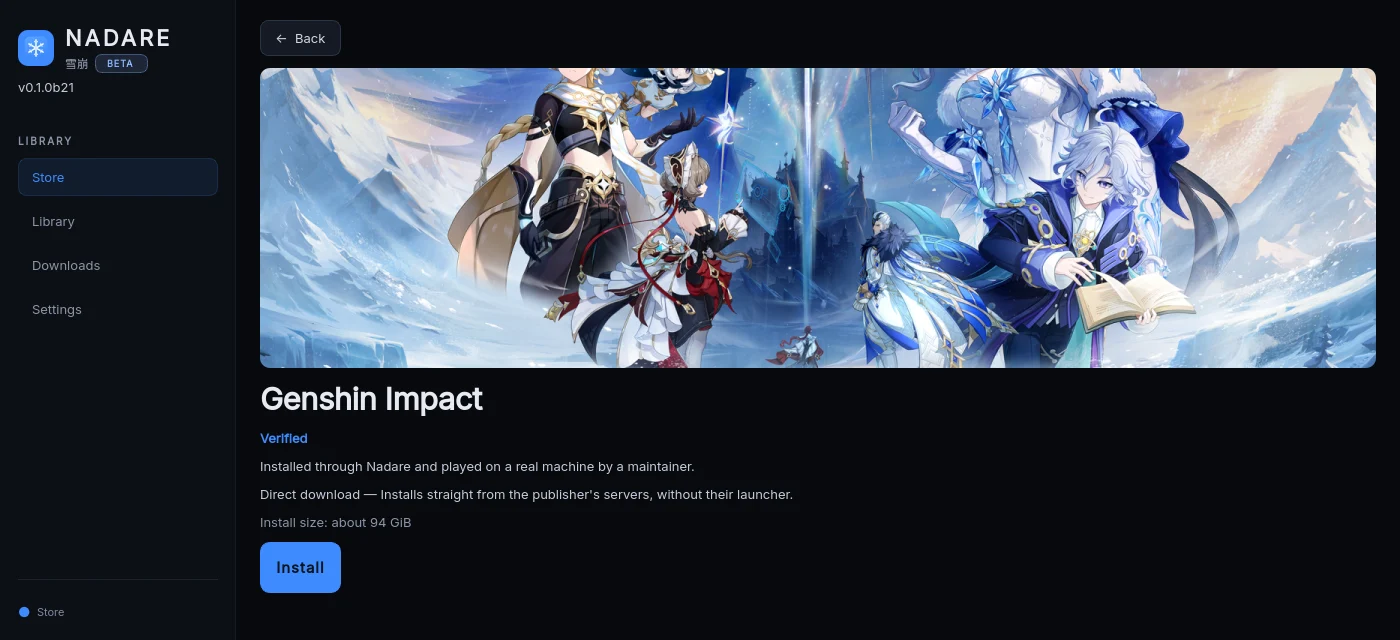
- Open the Store, pick a game and press Install.
System requirements
A Linux x86_64 desktop (Wayland or X11) with a working Vulkan driver, including its 32-bit support, and glibc 2.35 or newer (Ubuntu 22.04, Debian 12, Fedora 36 or newer, current Arch). If something is missing, run ./Nadare-*.AppImage doctor in a terminal; it prints the fix. Nadare downloads its own Proton runner on first use.
Supported games
Section titled “Supported games”Every game has a tier. Verified means a maintainer installed it through Nadare and played it past the title screen. Experimental means the install is covered by tests but has not been played end to end, or needs a workaround.
| Game | Tier |
|---|---|
| Chaos Zero Nightmare | Verified (install, update, QR login including two-step (OTP) accounts, agreeing to the game’s terms, launch) |
| Arknights, Stella Sora | Verified |
| Brown Dust 2, Aether Gazer, Punishing: Gray Raven | Verified |
| Girls’ Frontline 2 (Darkwinter build and Haoplay global build), Honkai Impact 3rd | Verified |
| Genshin Impact, Honkai: Star Rail, Zenless Zone Zero | Verified |
| Wuthering Waves | Verified |
| NIKKE | Verified |
| Arknights: Endfield, Neverness to Everness (direct install), Mongil: Star Dive | Verified |
| Girls’ Frontline 2 (Haoplay launcher), Neverness to Everness (publisher’s launcher) | Experimental |
| Fate/Grand Order (NA) | Experimental, source checkouts only, needs podman and an NVIDIA GPU |
| Epic Seven, Umamusume: Pretty Derby, Blue Archive (through Steam) | Verified (see below) |
Steam games
Section titled “Steam games”Some games come from Steam, not from the publisher. Steam stays the downloader and owner; Nadare adds a Set up button that checks the game and fixes what usually goes wrong on Linux, least invasive first, always asking before it changes anything and with Undo:
- H.264 video for games whose opening video shows a white window (Umamusume).
- Microsoft WebView2 in the game’s Wine prefix (Epic Seven’s sign-in needs it). The prefix is backed up first.
- A better runner (DW-Proton, or GE-Proton for Girls’ Frontline 2 Haoplay) and, on Wayland, native Wayland.
What is new
Section titled “What is new”- Sandbox (experimental, off by default): one switch on a game’s page hides your home folder, other drives, the session bus, the keyring and the ssh/gpg agents from the game while it plays. It needs
bubblewrap. - Wuthering Waves: choose SD, HD or UHD in Settings, taken from Kuro’s own bundle index.
- Genshin Impact, Honkai: Star Rail, Zenless Zone Zero, Wuthering Waves, GFL2 (Haoplay) and NIKKE are Verified.
- Download speed is shown beside the downloaded size, and a desktop notification tells you when an install, update or repair finishes.
- Safer by default: size and path limits on archives and manifests, a proxy Nadare cannot use is refused instead of going direct, saved logins never go into a plaintext keyring, games no longer inherit common API keys, and logs and support reports mask more secrets.
- Steam Set up keeps its Undo with the Steam installation it was made in.
The written guides on this site still apply to every game, and each keeps its manual guide as a fallback.
Beta notes
Section titled “Beta notes”- Nadare is unofficial community software and is not affiliated with any game publisher. It may break a game’s Terms of Service, so use an account you can afford to lose.
- Things may break or change between releases. Nadare shows a banner when a new release is out.
- If something fails, use the manual guide for that game and report it on GitHub issues.
- Source and full docs: github.com/frostlinuxdev/nadare.
Game key art and screenshots are © their respective owners and are shown here for identification only.